
Blocking Period
The trouble is almost never on the schedule.
An hour before your evening rush, a pipe bursts under one of your courts. A company rings up and wants the whole centre for a Saturday tournament. One court has to come out of service for urgent repairs before the weekend. The specifics change, but the pressure doesn't: while that court is still live online, anyone can book it out from under you.
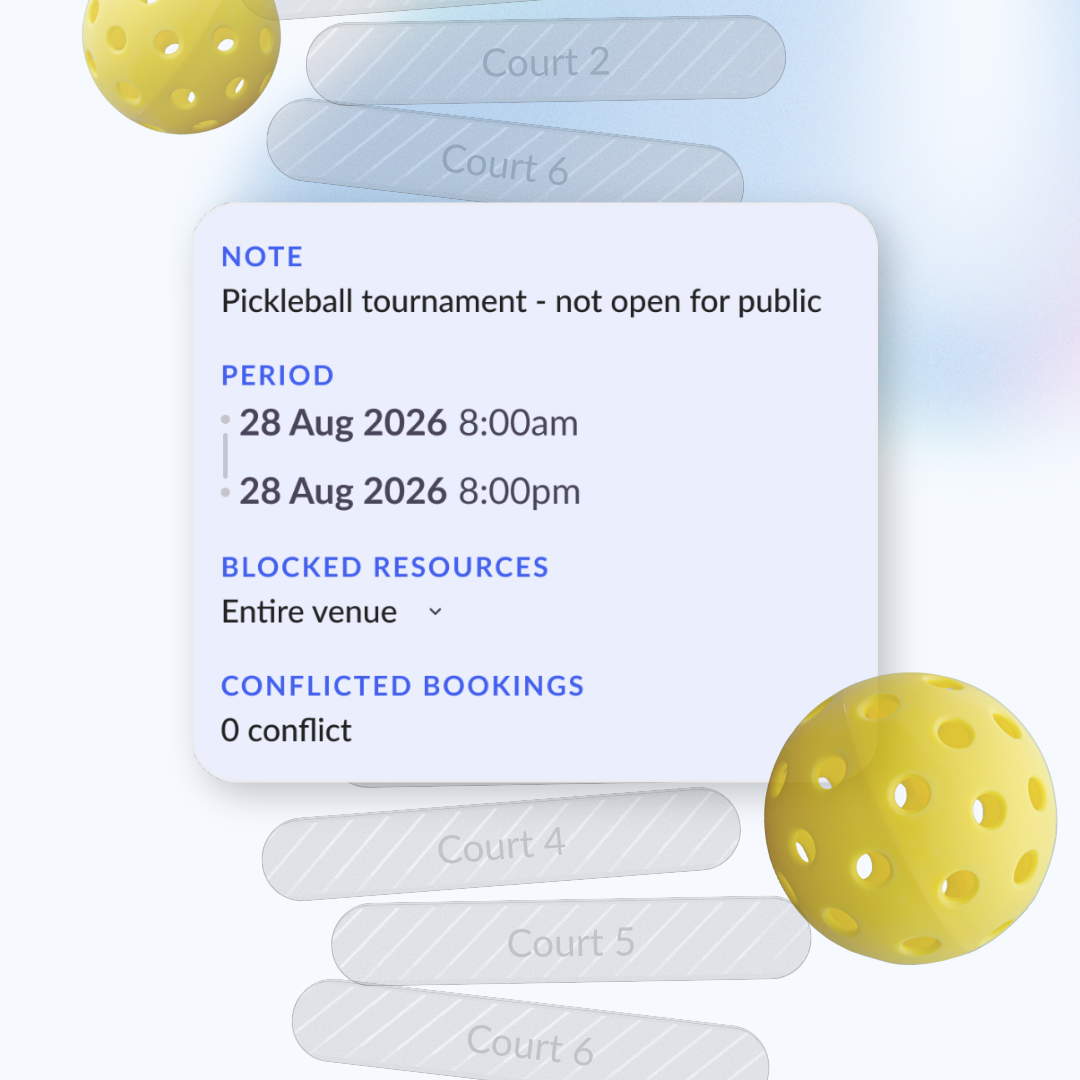
Blocking Period closes the door. In seconds, you can take a single court or the entire centre offline for whatever stretch of time you need.
Why you need it
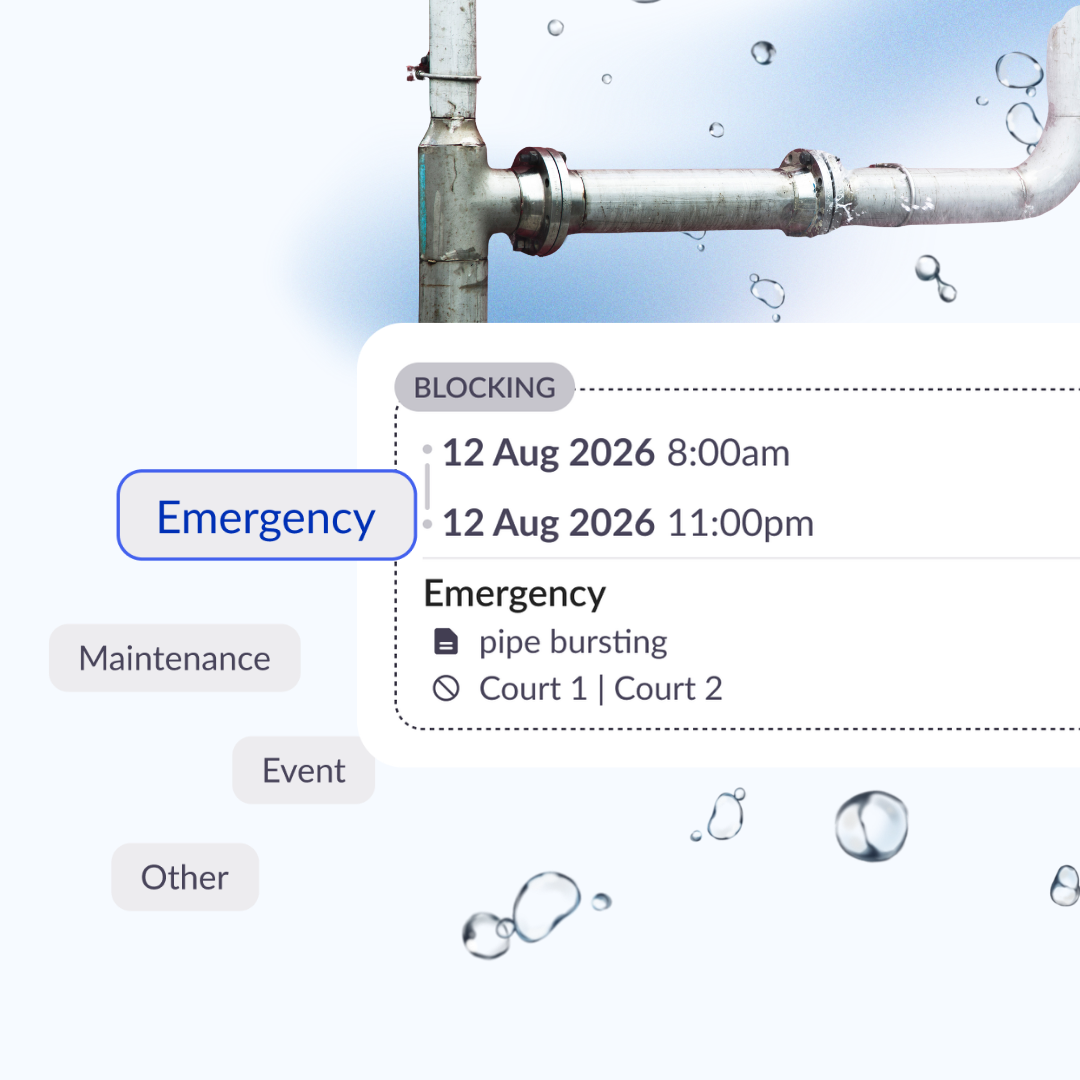
1. Stop new bookings the moment something goes wrong.
Your normal opening hours don't hold a block back, the court shuts the instant you say so. When a pipe bursts at 7AM on Tuesday, rather than creating fake bookings to block gaps in your schedule, create 1 singular block to cover the schedule.
2. Build customer trust.
A customer who books a court expects it to be ready. A reliable, up-to-date schedule is what keeps them coming back. Showing up to a court that is undergoing maintenance is what erodes that.
3. Handle the fallout without the scramble.
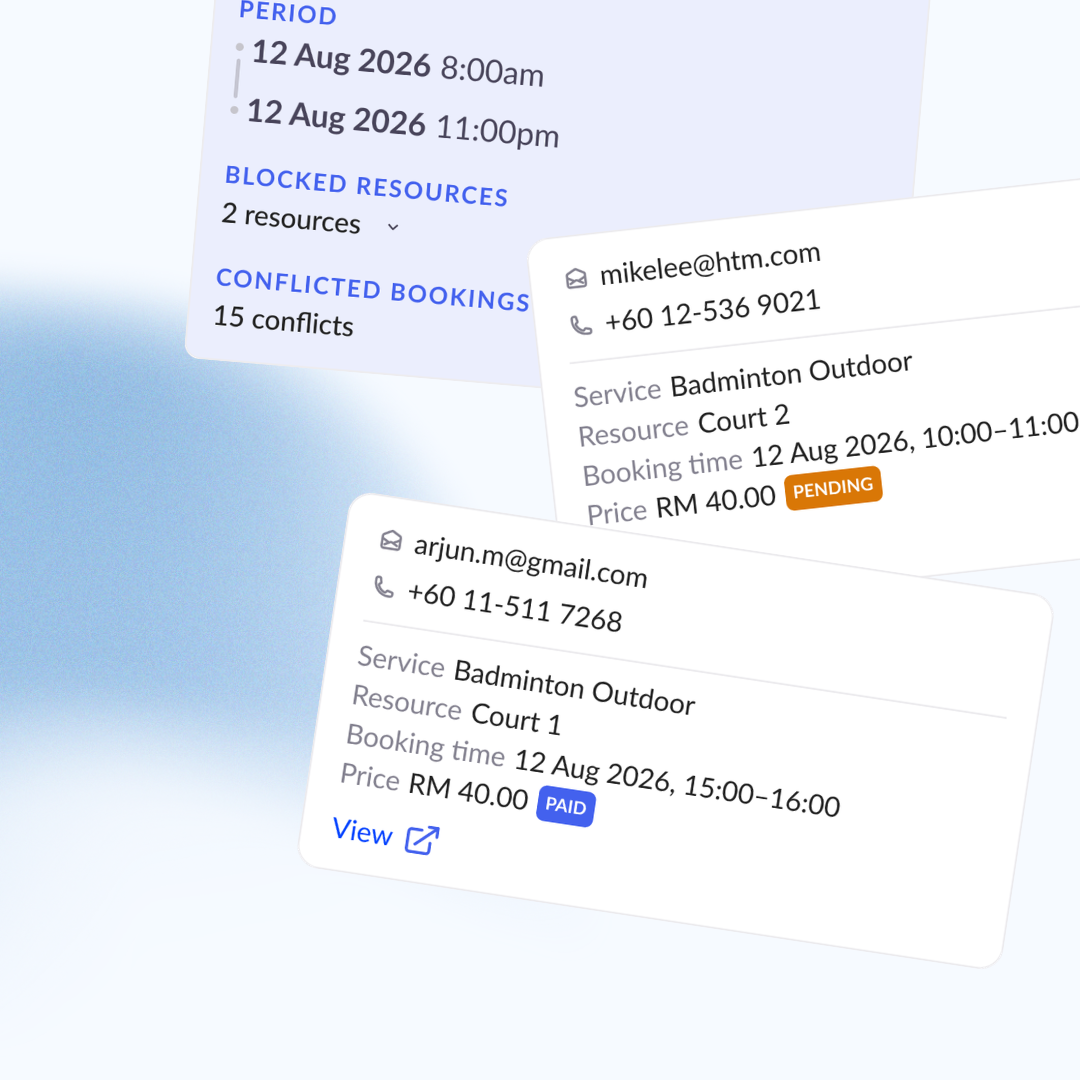
Solving issues includes correcting past bookings. Blocking Period streamlines this by surfacing conflicts: who booked, when they booked, how to reach them. What used to mean an afternoon of cross-checking the calendar now takes a few minutes.
How it works
Block one court, several, or the whole centre for any time window.
Conflicting bookings appear in one list with customer details so you can reach out directly. None of those bookings are cancelled automatically, you contact your customers and decide together.
Done earlier than planned? Just remove the block to open the courts again.
FAQ
Can customers see why I closed a court?
No. That's for your team only.
What happens to bookings already inside the closed window?
Nothing, automatically. You get the full list with contact details and decide what to do with each one.
Can I close just one court?
Yes — pick exactly the ones affected, or close the whole centre in one go.
Can I undo a closure?
You can reopen early at any time. Once reopened, it can't be undone — so treat it as a real "reopen now," not a pause.
Get started
Open your scheduler and tap Block, or head to Daily Operations → Blocking Period. It takes seconds — and the next burst pipe won't cost you a booking.